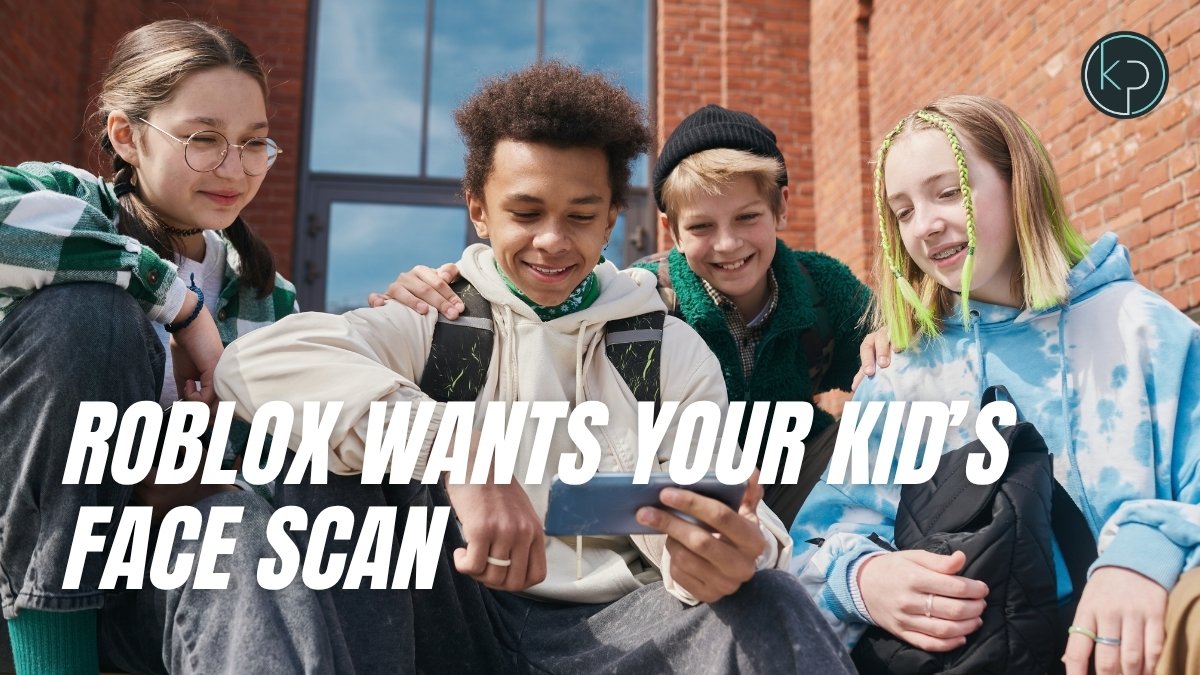
Roblox now requires a video selfie, scanned by AI, before your kid can chat freely with anyone on the platform. It's not optional and it's not new-user-only — it applies to all 132 million people who use Roblox every day. The scan itself is the easy part to explain. What happens to your kid's account after they pass it is the part actually worth five minutes of your attention this week.
Why Roblox's Face Scan Rollout Lands Right at Back-to-School
Roblox went from "friends" to a system called Connections back in January, and the facial age estimation that powers it became mandatory globally the same month. The timing now matters because Roblox Kids and Roblox Select, two new account tiers, have been rolling out since June, and most families are only running into the actual selfie prompt as kids reopen the app for the school year. If your kid plays Roblox and hasn't hit this yet, they will soon — and the first time is a bad time to be figuring out what you agreed to.
This isn't Roblox being cautious for no reason. The platform has faced years of lawsuits and state attorneys general pushing on how easily adults could contact kids through unfiltered chat, and this is its answer: instead of relying on a kid's typed-in birthday, which anyone can fake in four seconds, it uses a camera and a vendor called Persona to guess age from a face.
How Roblox's Age Tiers and Trusted Connections Actually Work
Here's the mechanism. Your kid opens the app, grants camera access, and records a short video selfie. That video goes to Persona, which uses AI facial analysis to sort the account into one of six age bands: under 9, 9-12, 13-15, 16-17, 18-20, and 21-plus. Roblox says it doesn't keep the video itself after the estimate is made, only the resulting age band attached to the account.
That tier then decides what your kid can actually do. Verified 13-to-17-year-olds can name specific people as "Trusted Connections," which grants unfiltered text chat and features like Party. Adding an adult as a Trusted Connection requires proof of a real relationship — either an in-person QR code scan or Roblox's Contact Importer pulling from a phone number. Anyone outside that circle stays in filtered, moderated chat, meaning slang, links, and personal details get automatically blocked or flagged.
So the actual change isn't "more supervision." It's a whitelist. Your kid's face determines their default chat privileges, and then they build a short list of people who get to bypass the filter entirely. If your kid already had an account before this rollout, none of this happened automatically in the background — they'll hit the selfie prompt the next time the app decides it needs a fresh age check, which for most families is now.
My Take on Roblox Outsourcing Your Kid's Face to Persona
I like the whitelist idea more than I expected to. Restricting unfiltered chat to people your kid actually knows is a real structural fix, not a setting that gets ignored after week one. That's a step up from supervision tools a teen can just switch off.
What I don't love is that the entire system runs on a stranger's face-scanning judgment about how old your kid looks, processed by a third-party vendor most parents have never heard of. Age estimation from a photo is not precise — it's a model guessing within a range, and kids who look older or younger than they are will land in the wrong tier some percentage of the time, with no obvious appeal process most parents will ever find. I'd rather trust an imperfect algorithm than an honor-system birthday field, so I'm not saying skip it. I'm saying don't treat "verified" as a promise it can't actually make.
What to Do on Roblox This Week Before Your Kid Chats Unfiltered
Sit down with your kid before they hit the selfie prompt on their own, not after. Walk through who's actually going on their Trusted Connections list together — the whole point breaks if it just becomes everyone they've ever played with once. If an adult wants to be added, use the in-person QR scan rather than the phone-number importer; it's the harder one to fake. And check which age tier your kid actually landed in inside Roblox's settings — if it looks wrong, there's a way to contest it, and it's worth doing now rather than after an unfiltered chat with the wrong crowd. If your kid already has an existing Roblox account, open their Connections list this week and prune it together — old "friends" from a game two years ago are exactly the kind of accounts that shouldn't carry over into unfiltered chat by default.